
DeltaClock
Never Do Time Zone Math Again — See Every City's Time at a Glance
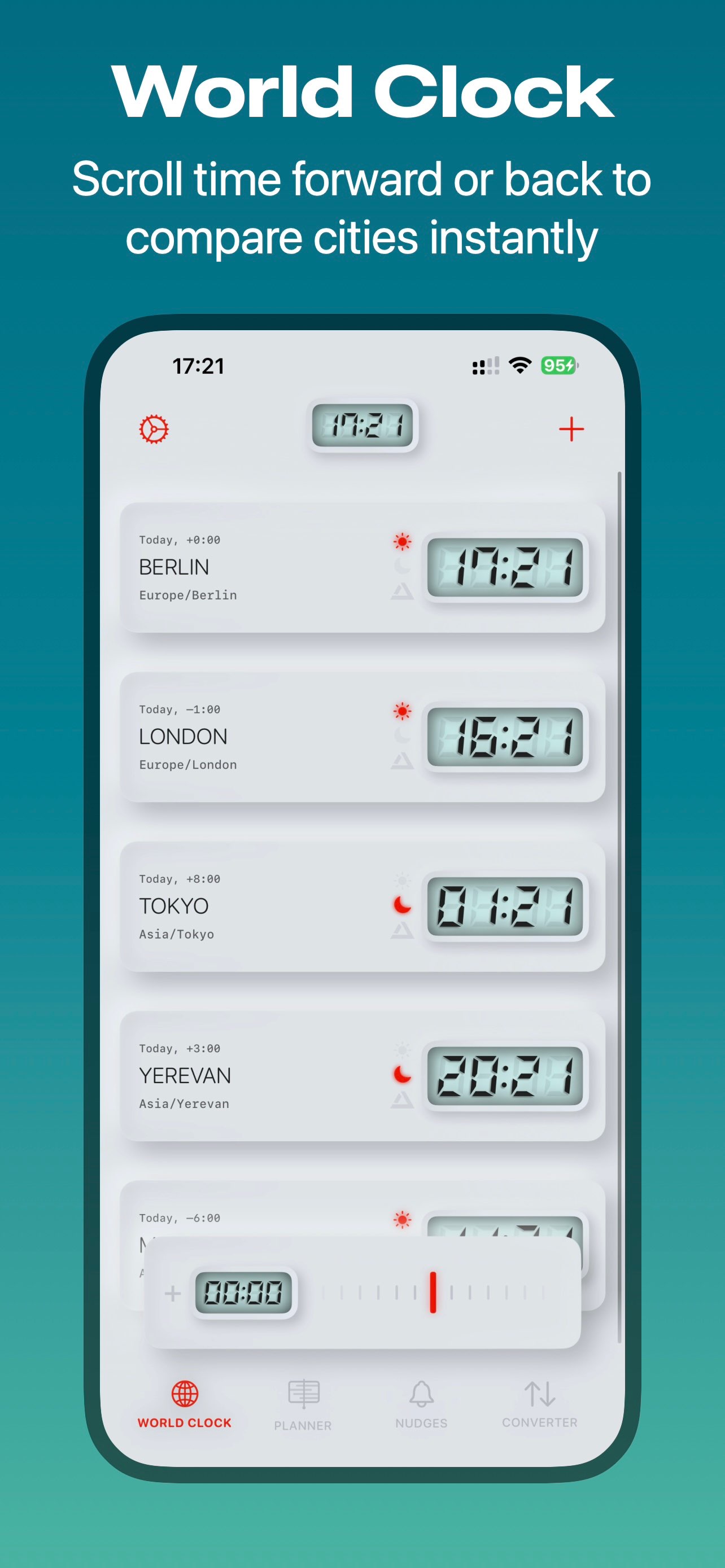
DeltaClock is the world clock and meeting planner that shows you the best time to connect across any time zone — instantly, visually, no mental math.
Whether you're coordinating a remote team, calling an international client, or just wondering what time it is in Tokyo right now, DeltaClock turns time zone confusion into a simple scrollable timeline. Scrub forward or backward to preview any moment, spot overlap hours instantly, and schedule with confidence.
Leave Feedback
Get the World Clock App Built for Global Teams
A world clock and scheduling app with timeline-based UI, for comparing multiple cities’ time zones at a glance. Build plans across time zones, instantly see overlaps, and set smart reminders/alarms, with widgets and customizable themes ranging from Liquid Glass to Neumorphic and Retro. Built with SwiftUI, following the MVVM architecture and using SwiftData for persistence.
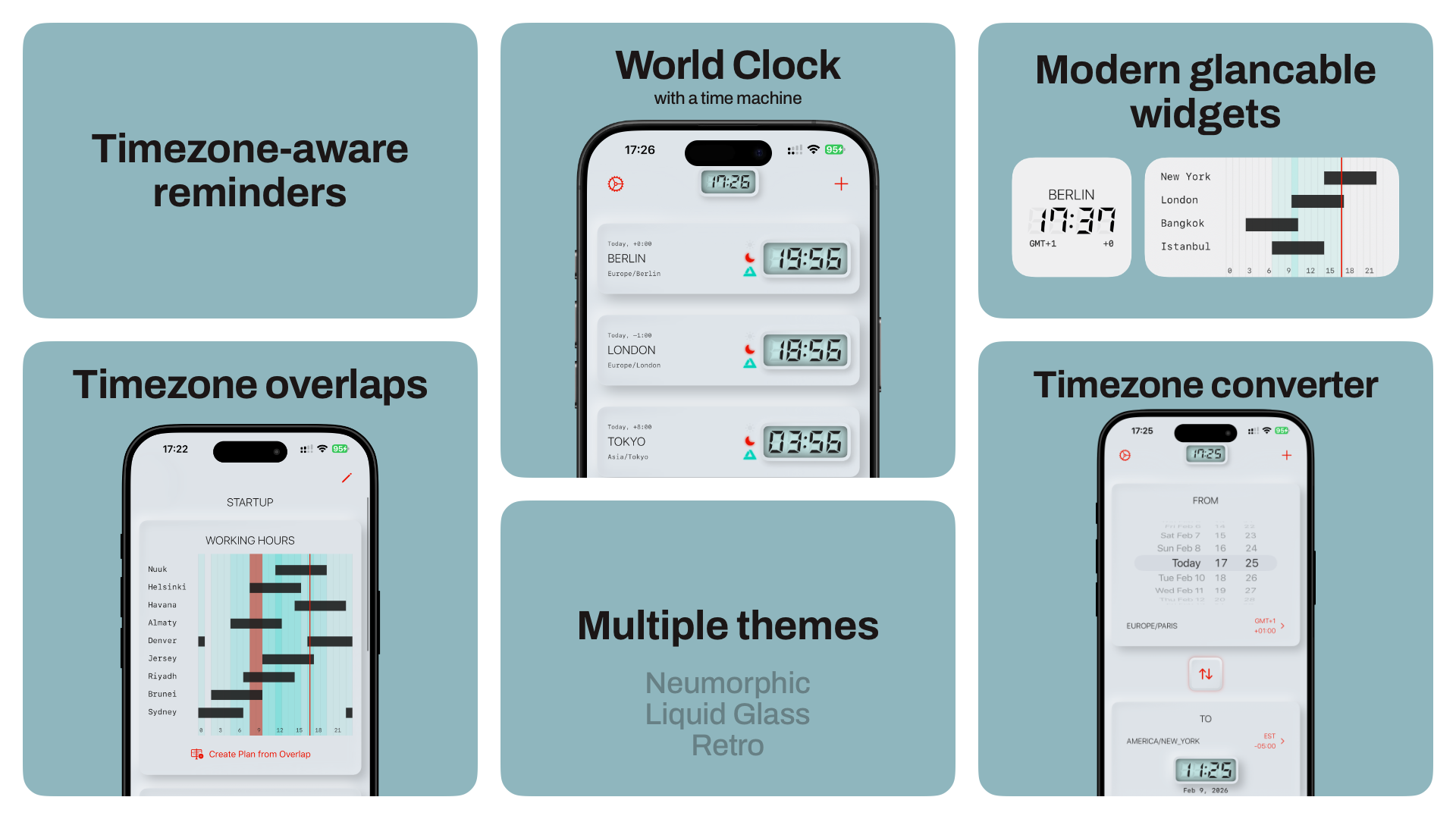
From Time Zone Chaos to a Scheduled Meeting in 4 Steps
DeltaClock replaces spreadsheets, mental math, and multiple browser tabs with one flow — add cities, scroll time, find overlap, share the plan.
1. Add your key cities — home, work, clients, or travel destinations
2. Scrub the World Clock timeline to preview any moment, forward or back
3. Switch to Overlap Planner to see shared working hours across every city
4. Turn the best window into a calendar event and share it with your team
How to find the best meeting time for New York, Berlin, and Tokyo
Open DeltaClock's Overlap Planner and add all three cities — the app highlights the shared working-hour window automatically. Instead of manually calculating a nine-hour spread, you see the single best block of time everyone can actually attend, then export it straight to your calendar.
How to set a reminder based on someone else's time zone
Searching "remind me at 9am their time" usually means juggling manual offset math. In DeltaClock, create a reminder and set it by the other city's local time — the app converts it to your device's time zone automatically so you never miscalculate a call, deadline, or livestream start.
How to check what time it is in another city right now
Add the city to your DeltaClock world clock list once, and its live local time appears alongside yours permanently — no repeated searches needed. Pin a City Time Widget to your Home Screen for instant answers to "what time is it in London" without even opening the app.
How to avoid daylight saving time scheduling mistakes
DST shifts silently break recurring meetings booked in fixed offsets. DeltaClock's timeline view visually shows day/night and date-rollover changes as you scrub through dates, so DST-related time shifts are visible before they cause a missed call.
How freelancers can manage international client schedules
If you juggle clients in different countries, add each client's city to DeltaClock and use the Overlap Planner to see when your working hours line up with theirs. Save recurring overlap windows as plans so you're not recalculating time differences every week.
How to plan travel itineraries across time zones
Before a multi-city trip, add each destination to DeltaClock and scrub the timeline to preview local time at each stop for your planned travel dates — useful for booking calls, check-ins, or activities that need to land during local daytime hours.
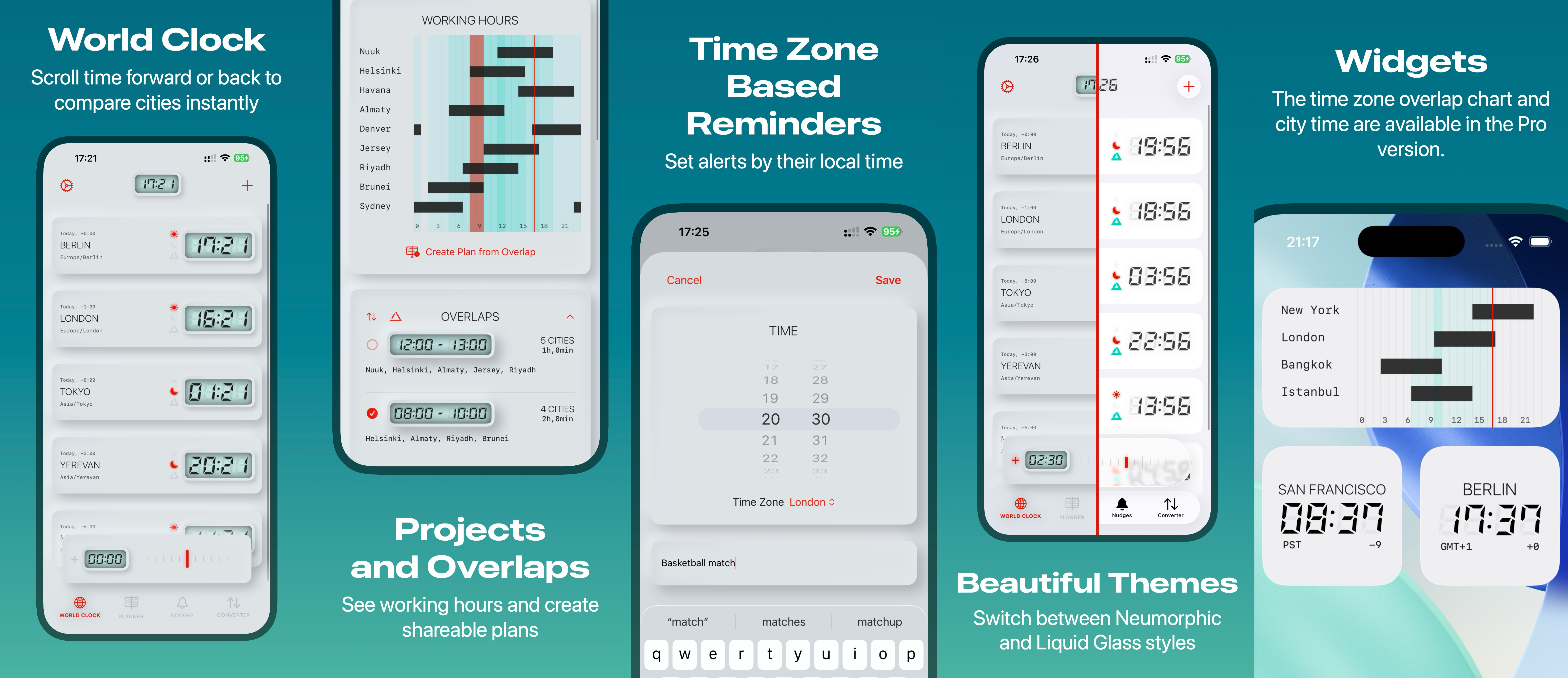
See Time Zones Come to Life
Every screen is designed to answer one question fast: what time is it there, and when should we meet? Scroll through the timeline view, overlap planner, widgets, and theme options below.
Frequently Asked Questions
Yes, DeltaClock is free to download with core world clock, timeline, and overlap planner features included; a Pro subscription ($1.99 monthly or $9.99 yearly) or $24.99 lifetime purchase unlocks unlimited cities and advanced planning tools.
Yes, scrub to any time in one city on the World Clock timeline and DeltaClock instantly shows the matching local time in every other city you've added, functioning as a full time zone converter.
Yes, the Overlap Planner shows shared working-hour windows across multiple time zones simultaneously, so you can pick a meeting time that works for everyone instead of guessing.
Yes, DeltaClock includes a City Time Widget showing a key city's current time and a Project Timeline Widget highlighting overlap windows, both viewable directly from your iPhone Home Screen.
Yes, DeltaClock lets you create reminders set by another city's local time and automatically converts them to your own time zone, removing the need for manual offset calculations.
DeltaClock is available on iPhone, iPad, Mac with Apple Silicon, and Apple Vision Pro, and it supports 19 languages including English, German, French, Spanish, Japanese, and Chinese.
Stop Guessing. Start Scheduling With Confidence.
Join remote teams, freelancers, and international families using DeltaClock to compare time zones, plan meetings, and set smart reminders — all in one app.
DeltaClock — the world clock, time zone converter, and meeting planner for global teams, freelancers, and long-distance families.
Home